Best AI Video Generators in 2026: 11 Tools Compared

There are many new versions of AI video tools being released, so it can be difficult to keep up with the latest. This article will give you an overview of 11 AI video tools and how they can be used. We’ve grouped the tools by function and provided information on what type of tool they are, main features, advantages, disadvantages and pricing.
All tools below have genuine disadvantages listed and pricing details include plan, frequency and date checked. We’ve covered the drivers behind this market already, including Wan 3.0 providing 30-second video from spreadsheets, Gemini Omni paywall with free 1080p in Google Vids. This article will help you choose which tool best fits your needs.
What changed recently:
- In early November, Google updated its AI video tools in Flow to use Gemini Omni 1.2 Flash. They can provide up to 15-second videos for Google AI subscribers.
- Sora was closed by OpenAI on 26th April 2026 and the API was closed on 24th September 2026. It is not included here.
- Kling 4.0 is now available to all users on the Kling site. Audio is also included.
- Pika has simplified their plan titles to Free, Starter, Creator and Fancy. The pricing page was last updated on 28th October 2026.
Best AI Video Generators at a Glance
Runway, Pika, Google Gemini Omni in Flow and Kling provide text-to-video and image-to-video. VEED and Pixlr provide editing tools with AI video generation. HeyGen and Synthesia provide presenter video, and Artlist provides licensed music and footage. Choose which best fits your needs.
Tool Type Free tier Starting price (plan, billing, check date) Native audio Platforms Image-to-video Best for Runway Generator Yes: 125 one-time credits, watermark Standard, 12/mobilledannually(15 monthly), 625 credits; Nov 13, 2026 Varies by model Web, iOS, API Yes Directed shots and effects Pika Generator Yes: no watermark, no monthly credits (packs only), no commercial license Starter, 10/mo(8 billed annually), 600 credits; Nov 13, 2026 Varies by model Web, iOS Yes Social clips with many models in one place PixVerse Generator Yes: daily credits, watermark, up to 540p Standard, 10/mo(8 billed annually), 1,200 credits; Nov 13, 2026 Varies Web Yes Quick, low-cost social clips Leonardo.ai Generator and image platform Yes: 150 tokens a day Essential, 12/mo(10 billed yearly); Nov 13, 2026 Varies by model Web Yes Image-first creators adding video Google Veo and Gemini Omni Generator Limited Google AI Plus, $4.99/mo, 200 Flow credits; Nov 13, 2026 Yes (Omni) Gemini app; Flow on web Yes (reference images) Longer single shots with sound Kling Generator Basic plan; credits not listed Standard, 10/molistprice(6.99 first month), 660 credits; Nov 13, 2026 Yes (Kling 4.0) Web Yes Cinematic clips with synced audio VEED Editor Yes: 720p, watermark, 10-minute limit Lite, 12/mobilledannually(19 monthly); Nov 13, 2026 Varies Web Captions and social edits Pixlr Editor and generator Free editor; video credits Plus, 2.49/mo(1.99 billed yearly), 80 credits; Nov 13, 2026 Varies by model Web, desktop, iOS, Android Yes Photo editing plus quick clips HeyGen Avatar Yes: 3 videos a month, up to 1 minute Creator, 29/mo(24 billed annually), 600 credits; Nov 13, 2026 Yes (AI voice) Web Photo avatars only Presenter videos and translation Synthesia Avatar Yes: Basic plan, limited minutes Starter, $29/mo billed monthly, about 10 minutes; Nov 13, 2026 Yes (AI voice) Web No Training and internal video Artlist Stock, music and AI No permanent free plan AI plan, from $9.99/mo billed annually, 7,500 credits; Nov 13, 2026 Varies by model Web Yes Licensed music and footageWhat to Consider Before Choosing an AI Video Generator
Below are 6 considerations for choosing an AI video generator.
Text-to-video vs avatar vs editor vs stock/music
Choosing a tool that fits your needs. These tools generate video from a prompt or image. Avatar tools will create a virtual presenter to read your script. Edits can be made to video with the addition of some now offering generation. Stock/Music offer licensed assets to be used with your AI video. Most disappointment comes from purchasing one type of tool when another is needed.
Output quality, clip length and resolution
AI video generation will always be short. Google Flow now provides up to 15-second videos for subscribers and 10 seconds for standard users. Many tools will only produce between 5-10 seconds of video. The resolution will depend on the model and will often be limited on free/entry level plans. Any longer than one video will require editing.
Native audio
Some models will produce video with audio, dialogue & effects. Some tools will produce silent video that will need music/voice added. As many of the tools (Runway, Pika, Leonardo.ai) have multiple models available, this will often vary by model.
Credits, pricing and watermarks
Most tools will use credits. Depending on the model, length & resolution, the cost per video will vary. Ensure you know if you will lose credits for failed or unwanted video. Will credits roll over? Are there watermarks on the free tier? You may be able to create a few premium videos for the same monthly cost.
Commercial use rights and licensing
Most tools will have a commercial licence dependent on your plan. Free plans may not allow commercial use even if there is no watermark. You may also need a licence for the video you upload, music or likeness. We recommend checking the terms page.
Platforms and mobile apps
Most tools will be a web app. If you want to use on mobile, ensure there is an iOS/Android app available on the official app store. Some tools will only provide some features and top up credits on the web.
How This List Was Put Together
The list was created by considering the 6 factors above. We checked the pricing and terms of each tool where possible. We also checked the release notes, help pages and public news. Plans were checked on November 13, 2026. We did not perform any hands-on testing of the tools, so pros and cons are based on the tool providers’ documentation and public reports.
AI video tool pricing can change every few weeks. All prices should be considered a snapshot in time. Always check on the tool provider’s page. Annual pricing is shown as monthly. A few popular tools are not included (Luma, Invideo, Genmo, Adobe Firefly) and may be added in a refresh.
Text-to-Video and Image-to-Video Generators
These tools will generate new video based on your text prompt or image. The tools are only ordered from longest to shortest due to the complexity of the tools, not quality.
Runway
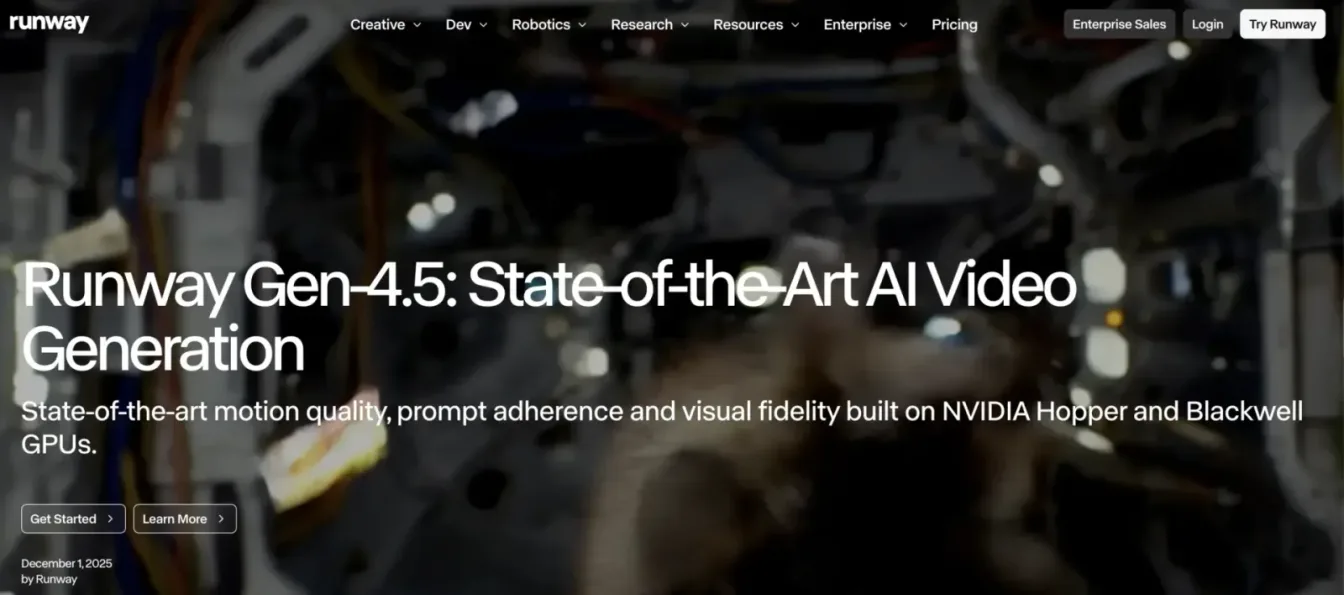
Type: Generator (text-to-video, image-to-video, video-to-video)
Key Features: Runway provides a wide range of models, including their own (Gen-4.5 and Aleph 2.0) alongside third-party models within one web app. It is well known for having creative controls and generating effects such as lighting, angle changes and object swapping. There is also a developer API available, charged via credits.
Pros:
- Multiple model families within one app.
- Watermark removed with paid plans. 4K upscaling.
- Runway state has no non-commercial restrictions on content created.
Cons:
- Only 125 one-off credits on the free plan. Watermark.
- Monthly credits do not roll over.
- Separate credit accounts for app and API.
- Paid third-party models use a lot of credits.
Pricing: Free – $0. 125 one-off credits. Standard – $12/mobilledannually (15 monthly). 625 Credits Monthly. Pro – $28/mobilledannually (35 monthly). 2,250 Credits. Max – $76/mobilledannually (95 monthly). 9,500 Credits. Nov 13, 2026.
Best For: Directed video and effects.
Pika
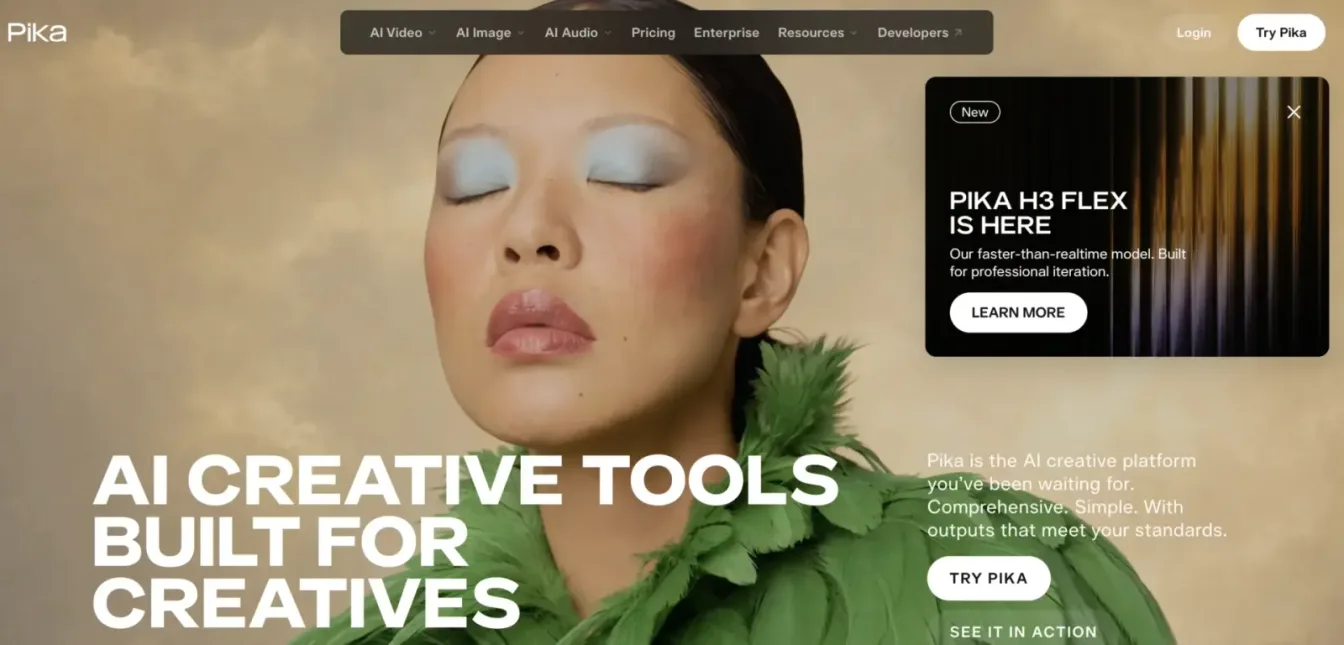
Type: Generator (text-to-video, image-to-video, effects, audio)
Key Features: Pika now provides a multi-model studio. It includes its own models (Pika H3 Flex and Pika 2.5) alongside third-party models (Seedance 2.5, Kling 4.0, Wan 3.0, Gemini Omni 1.1 Flash). Music, speech and sound effect studios are also available. Each plan includes all models. The Creator and Fancy plans also provide free daily Pika H3 Flex generations (limited-time offer).
Pros:
- Wide range of models and audio tools. All on one credit account.
- No watermark on free plan exports.
- Commercial licence included with paid plans.
Cons:
- No monthly credits on free plan. Only credit packs available. No commercial licence.
- Many credits are required for paid models. 122 Credits for a 5-second Seedance 2.5 at 720p. Starter will provide ~4 videos.
- Top-up credits are only available on the web app and MCP. Not API and iOS.
- Priority Queue is only available on the Fancy plan.
Pricing: Free – $0. Only credit packs are available. Starter – $10/mo (8 annually). 600 Credits. Creator – $35/mo (28 annually). 2,600 Credits. Fancy – From $95/mo (76 annually). 8,550+ Credits. Updated 28th October 2026.
Best For: Social video and effects. With lots of models.
PixVerse
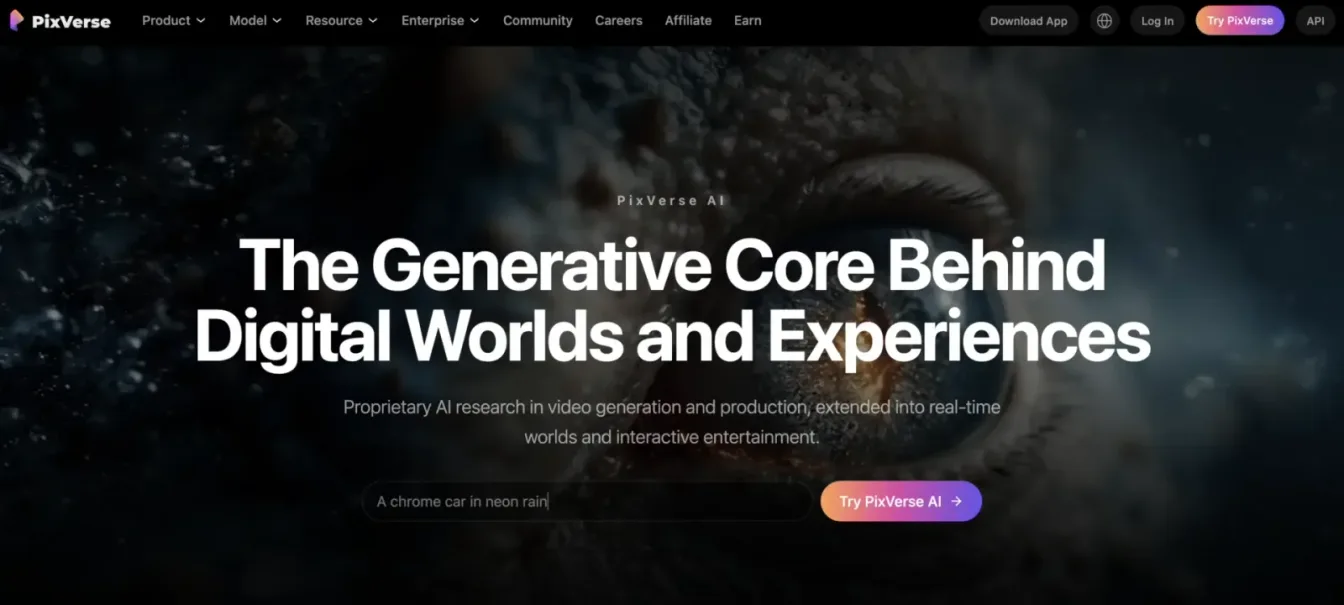
Type: Generator (text-to-video, image-to-video)
Key Features: PixVerse is a web-based video tool with a free plan and daily credits. The blog on their site appears first on Google for this search and PixVerse is listed first. All points below are based on statements made by the vendor and reported by third parties. Paid plans remove the watermark and increase resolution. Higher plans provide 4K.
Pros:
- Free plan with daily credits. Text-to-video and image-to-video.
- Low-cost entry plan.
- No watermark on paid plans.
Cons:
- Watermarked and limited to 540p on the free plan. Cannot be used commercially.
- Daily credits on free plan. Not bankable.
- Standard plan limited to 720p.
- Number of free credits varies between reports (30 and 60). Check prior to using.
- Can drift with long/complex prompts.
Pricing: Basic – Free. Standard – 10/mo (8 annually). 1,200 monthly credits.Pro–~30/mo. Nov 13, 2026.
Best For: Fast and cheap social video.
Leonardo.ai
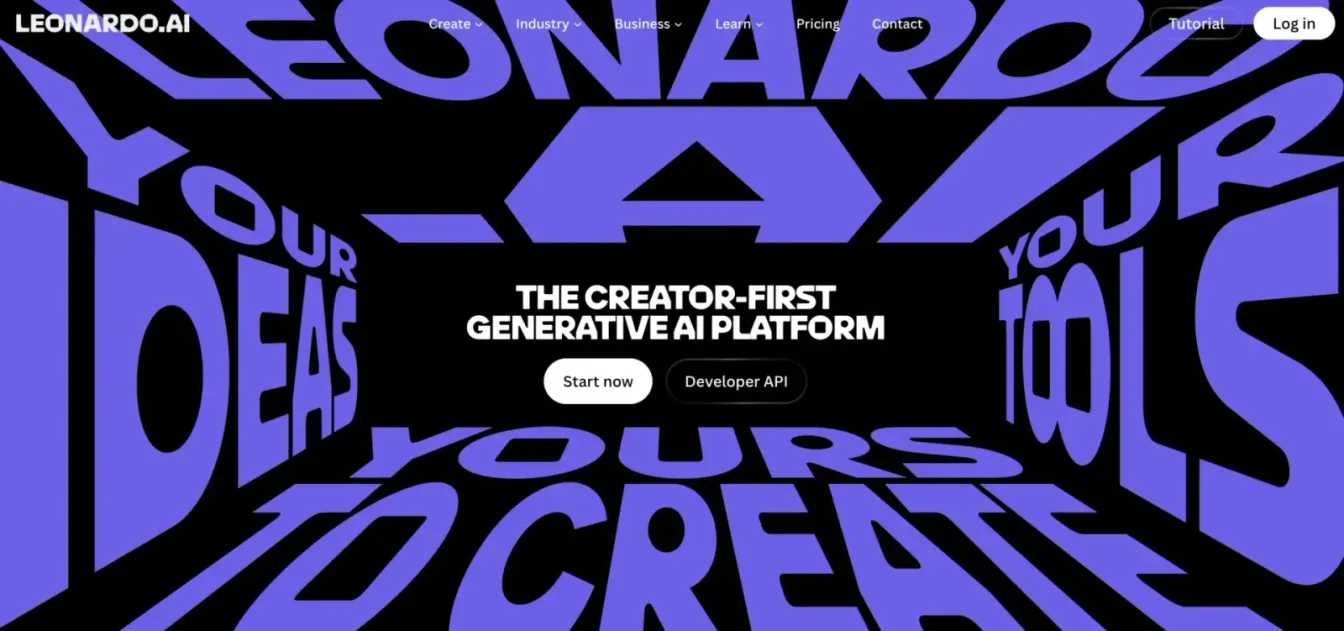
Type: Generator in an image and design software
Key Features: Leonardo is an image-focused tool owned by Canva. Video can be created using its own Motion models and third-party models. All are paid using tokens. On the pricing page, the Ultimate plan provides unlimited relaxed video for select models (Motion 2.0 and Motion 2.0 Fast). Other models use tokens.
Pros:
- All-in-one Image, video, and Design tool.
- Free plan provides 150 tokens daily.
- Ultimate plan provides relaxed video. Great for regular volume.
Cons:
- Video is not primary.
- Not clearly published how many tokens are required per video.
- Content created is public on the free plan.
- Unlimited only for select models.
Pricing: Free – $0. 150 daily tokens. Essentials – $12/mo (10 annually). Premium – $30/mo. Ultimate – $60/mo (48 annually). Nov 13, 2026. Monthly tokens vary.
Best For: Image-focused creators wanting to add video.
Google Veo and Gemini Omni
Type: Generator (text, image, and video inputs)
Key Features: Google has moved its consumer video to Gemini Omni. The Gemini app provides video generation using Omni. Within Flow, Google’s filmmaking tool, Omni and Veo 3.1 are available. Omni provides video with audio. We have covered the product side of Gemini Omni, with the paywall and free 1080p in Google Vids.
Pros:
- Audio provided natively.
- Up to 15-second video in Flow for subscribers.
- Available as part of Google AI plans and storage.
Cons:
- All plans have limited credits.
- Veo Extend has been retired. Some old models in Flow will be retired in December.
- The latest model in Flow is only available via the web.
Pricing: Google AI Plus – $4.99/mo. 200 Flow Credits. Google AI Pro – $19.99/mo. 1,000 Credits. Google AI Ultra – 10,000 and 25,000 Credits. Nov 13, 2026.
Best For: Longer single video with audio.
Kling
Type: Generator (text-to-video, image-to-video)
Key Features: Kling, by Kuaishou, has made Kling 4.0 available to all users. Audio is also available. Kling models can also be found within Runway, Pika, Pixlr & Leonardo.ai.
Pros:
- Audio is available in 4.0.
- Free Basic Plan.
- Available on multiple other platforms.
Cons:
- Kling has not listed how many credits are required for one Kling 4.0 video.
- No free credits listed on the Basic Plan.
- Many fake Kling 4 sites. Use the official site.
Pricing: Standard – $10/molist (6.99 first month, $8.80 after). 660 Credits. Nov 13, 2026.
Best For: Cinematic video with audio.
AI Video Editors and All-in-One Suites
Which is the best AI Video Editor for you will depend on whether you wish to edit video or use a prompt. These tools provide generation within their editing tools. CapCut also provides AI video generation. See FAQ for free plan limitations.
VEED
Type: Browser-based editor with AI capabilities
Key Features: VEED provides video editing, auto captioning, translation and social exporting. Text-to-Video and AI Avatar tools are reported to be only available on the Pro plan. The free plan does not provide AI generation.
Pros:
- No installation required. Fast captioning.
- Lite plan removes watermark and provides 1080p.
- Pro plan provides 4K and generation tools.
Cons:
- All exports are watermarked. Limited to 10-minute videos. 720p.
- Generation tools on higher plan.
- Not a proper professional timeline editor, according to reviewers.
Price: Free – $0. Lite – $12/mobilledannually (19 monthly). Pro – $24/mobilledannually (49 monthly). Nov 13, 2026. Some pages show different prices.
Best For: Captioning, tidying and social.
Pixlr
Type: Photo Editor and Image Generator (With AI Video Generation)
Key Features: Pixlr is best known as an image editor, but on their site they have an AI Video Generator. This can generate video from text/images using models such as Kling, Veo and Seedance. They also have an audio generator. Their subscriptions can be used on the web, desktop and mobile.
Pros:
- All-in-one editor, image generator and video. All in browser.
- Low-cost entry plan.
- No expiry on credit packs.
Cons:
- Video is just one module.
- Credits reset monthly on subscriptions. If cancelled, they will go to zero.
- They state AI services are not guaranteed.
- No video available on the free plan.
Pricing: Plus – $2.49/mo (1.99 annually). 80 Credits (~4 fast videos). Premium – $9.99/mo (7.99 annually). 1,000 Credits (~50 fast videos). All video models. Ultra – From $24.99/mo (19.99 annually). Nov 13, 2026.
Best For: Photo editing and quick video.
Avatar and Presenter Video
Avatar tools will take your script and create a presenter. They are ideal for explainer, training and sales videos but not cinematic.
HeyGen
Type: Avatar and translation video
Key Features: HeyGen provides avatar tools with lip sync, gestures and video translation. On their pricing page, Avatar IV and V videos are $20 per minute. HeyGen also appears first on their own product for this search, so consider this when reading.
Pros:
- High-quality avatars, translation and a free plan to try.
- Creator plan removes watermark and provides up to 30 minutes of video.
Cons:
- Credits run out quickly. 600 credits will provide ~30 minutes of Avatar IV/V video.
- Costs credits to re-render.
- Extra video avatars cost extra.
Pricing: Free – $0. 3 videos monthly (up to 1 minute). Creator – $29/mo (24 annually). 600 Credits. Pro – From $49/mo. 1,000 Credits. Nov 13, 2026.
Best For: Presenter video and translation.
Synthesia
Type: Avatar and training video
Key Features: Synthesia is focused on training and corporate video. They provide collaborative features and exports for LMS (SCORM).
Pros:
- Ideal for training and internal communications.
- Free plan to try.
Cons:
- All self-serve plans have limited minutes per month.
- Lower plans have limited avatars.
- Annual discounts and minutes vary between sources.
Cost: Basic – $0. Starter – $29/mo monthly. ~10 minutes per month. Creator – $89/mo monthly. ~30 minutes. Nov 13, 2026.
Best For: Training and internal video.
Stock, Music and Assets for AI Video
AI video is rarely provided on its own. Music, sound effects and footage can be used to fill the gaps.
Artlist
Type: Stock, music, and assets platform with AI Suite
Key Features: Artlist is primarily a music, footage and templates library. They also have an AI suite on their site. This provides video, image, music and voice generation. They also provide image-to-video, video-to-video, access to over 100 models and Artlist Studio. The Max plan includes stock and AI.
Pros:
- Music, footage and AI generation all in one license.
- Footage up to 8K. Premiere Pro plugins.
- AI plans provide commercial use on any platform.
Cons:
- Not primarily a generator. AI credits are separate from stock.
- Stock licensing is dependent on channel and use.
- No permanently free plan.
- Plan names and pricing have changed.
Pricing: AI Plans – From $9.99/mobilledannually (15.99 monthly). 7,500 Credits. Up to 23.99/moannually. 40,000 credits.Footage & Templates–~31.99/mo annually. Nov 13, 2026.
Best For: Licensed music and footage with AI.
Best AI Video Generator by Use Case
These recommendations only relate to tools listed above. Based on documented features.
Best AI video generator for YouTube
Longer videos will help. Gemini Omni in Flow provides up to 15 seconds of video with audio. VEED provides captioning and editing. Artlist provides unlimited single videos on a Pro licence. HeyGen is great for talking head explainers.
Best AI video generator for TikTok and short-form
Pika provides effects and multiple models. PixVerse provides cheap video. VEED provides captioning and social. Pixlr provides mobile apps to quickly edit.
Best AI music video generator
While there is no one-stop-shop tool for creating full music videos, Pika has music and sound studios; Artlist provides AI music plus a music library; Pixlr has an audio generator list. Audio-enabled models such as Gemini Omni and Kling 4.0 will have audio within the video clips. However, these clips are always short, so you will need to edit them together using a video editor such as VEED.
Best AI image-to-video generator
Runway, Pika, Kling, Pixlr, Leonardo.ai and Artlist all have image-to-video capabilities. Gemini Omni has reference images. However, the cost per clip for stills-to-video on the premium models is not cheap.
Best AI animation and anime generator
None of the vendors offer verified specific anime modes. Pika has effect tools and Leonardo.ai has a model/style library.
Best AI generator for short films
Runway and Google Flow provide the closest solution, as they have director controls and film capabilities with 15-second shot extension. You will need to stitch and have a separate music/sound pass.
Common Pitfalls to Avoid
- Wasting credits by re-rolling. Most videos will require multiple attempts. Divide your video credits up by how much your model is charging per clip.
- Free versions. Free versions can vary between vendors. Some will include watermarks or resolution limitations. Pika’s free version doesn’t have a watermark but no monthly credits.
- Some plans will restrict you from using the free version commercially. Pika’s free version doesn’t have a commercial licence, and multiple tools don’t allow you to use the free output commercially.
- Short clip lengths. These only allow for 5- 15-second clips, so you will need to stitch longer videos.
- Versions can change rapidly. This can happen within days. Check the vendor’s webpage and again at checkout.
- Fake sites. Some, like Kling 4, have fake sites that charge you for access.
- Cryptopolitan also talks about labelling AI-generated videos, such as Google’s SynthID detection tool.
Final Verdict: How to Choose the Best AI Video Generator
It is impossible to say which is the best AI video generator, as they are designed to handle different tasks. When creating cinematic text-to-video, compare Runway, Pika, Gemini Omni (Flow), and Kling on cost per video clip (credits), commercial rights and audio. If you require tools for presentations, then HeyGen and Synthesia would be the best choices. If you want to edit videos and add subtitles, then use VEED or Pixlr. If you need licensed music/footage, then Artlist will be your choice.