This free site turns your smartphone into an on-demand billboard
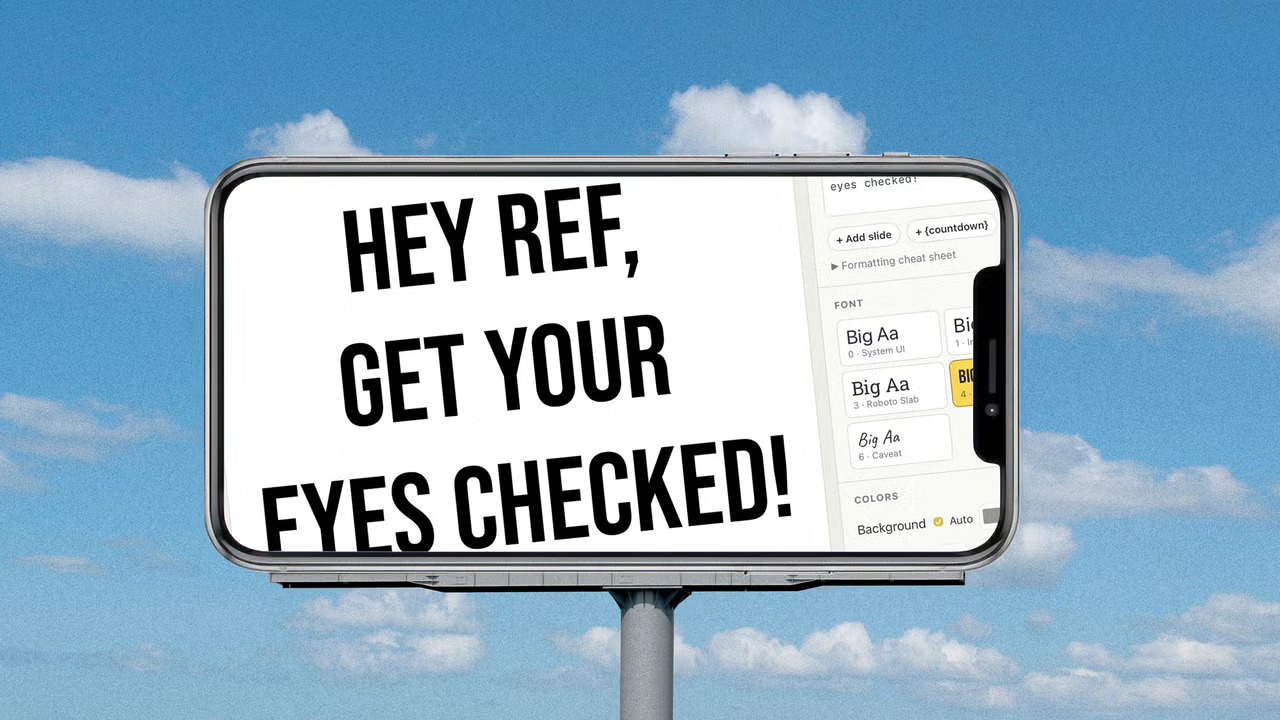
It may not come up often (or maybe it does!), but sometimes you can’t help but wish you made a poster.
Maybe you want to express your nuanced opinions at a sporting event. Maybe you want to pick someone up at the airport, complete with the traditional name on a sign.
The problem with posters, however, is you have to make them ahead of time. And carry them. And somehow keep them from crumpling in traffic.
And while it’s true that no digital tool can re-create the charm of something cut, glued, and markered with your own two hands, it’s better than nothing. Because, to borrow an old adage about photography, the best poster is the one you have with you.
This tip originally appeared in the free Cool Tools newsletter from The Intelligence. Get the next issue in your inbox and get ready to discover all sorts of awesome tech treasures!
Turn any screen into a poster
Bigwords.page is an easy-to-remember website that does one thing:
➜ It turns your screen into an instant, impossible-to-miss poster for easy viewing from any distance. It’ll even keep your device from going to sleep, the way a video does.
Just type your message, choose a font and color scheme, then hit the full-screen button—and your message shows up in crisp, clear letters.
⌚ Setup is instant, and the entire process to create a billboard-like poster will take you at most 60 seconds. Just load the website, click the button to fire up the editor, and then type in whatever you want—with any appearance you like.
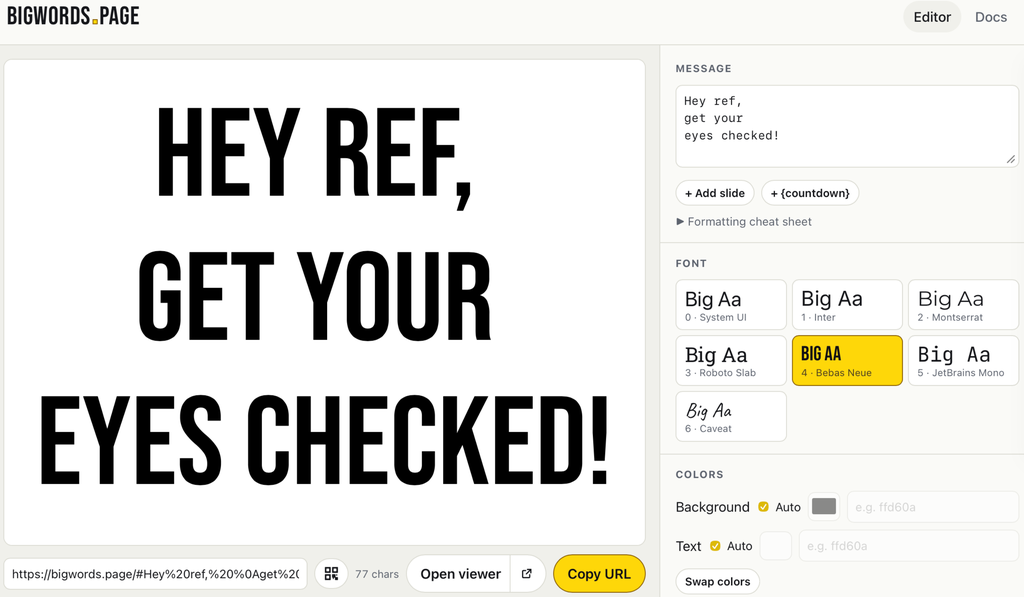
Most of the time, you’ll just need to type a message and hit full screen, but you can tweak things a little. You can change the colors, format with Markdown, and choose among a few fonts.
And there are a few handy additional features. You can add a countdown to your poster, if you want. You can add an image. There are animations. You can even add a QR code, which you can use to add a link or a Wi-Fi network. These features make this tool potentially useful at work—you could turn a TV or computer into a temporary billboard at your office or store.
For most people, though, this is a way to quickly turn any phone or tablet into a temporary poster. Give it a shot the next time you want to broadcast a thought, or add a custom message to a photo.
The best part: Because it’s a website, there’s nothing to download and no application you need to install. All you need to do is remember the URL.
- Bigwords.page runs in any browser, meaning you can use it on any device.
- It’s completely free (and even open source if you want to run it on your own server).
- Your message never leaves your browser—it’s never sent to a server. There are no ads.
Treat yourself to all sorts of brain-boosting goodies like this with the free Cool Tools newsletter—starting with an instant introduction to an incredible audio app that’ll tune up your days in truly delightful ways.