The Sony FX6 Gets Another Minor Firmware Update to Improve Stability When Dual-Slot Recording
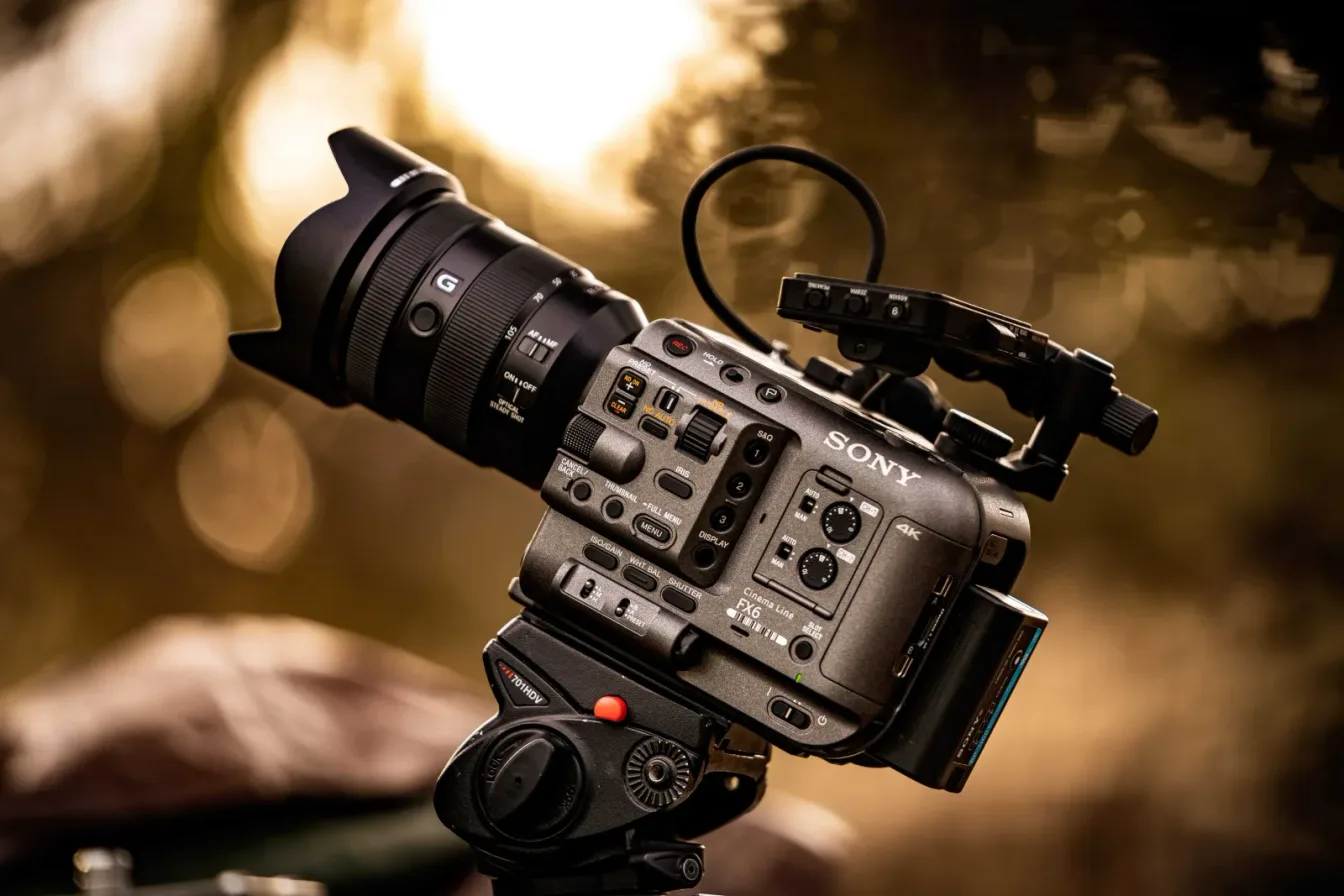
These might be minor updates in the grand scheme of things, but if you’re not keeping your firmware up to date, your cameras may have issues that range from annoying to catastrophic.
This likely isn’t catastrophic, but it’s an important update nonetheless if you use the Sony FX6 for simultaneous dual-slot recording. Or, you know, if you’d simply like to make sure your camera is fully functional and operating at the best of its capabilities.
Sony FX6 Firmware Update
As mentioned above, this isn’t a huge firmware update. Those do come from time to time, but these minor ones are honestly worth updating just when you get a chance. Unless, of course, you’re someone who might be affected by this one minor issue.
The fix in this 6.02 firmware update for the FX6 addresses a rare condition where recording in the other media slot during simultaneous dual-slot recording could also stop if an error occurred in one media slot.
Again, this doesn't happen often. But something worth addressing anyways.
How to Update Your Sony FX6
If you want to update the firmware on your Sony FX6, the company has specific steps to prepare for the update, check the software version, and save the latest version to an SDXC or CFexpress card.
Here’s the full guide:
Software Update Preparation
This section explains how to update the ILME-FX6 camera system software.
- The software version update data is first saved to an SD card or CFexpress Type A memory card.
- Note: “CFexpress Type A memory card” is referred to as “CFexpress card(s)” in this document.
- The camera is then updated using the screen menu.
- Note: Refer to the camera's Operating Instructions for details on how to use the menu.
Checking the Current Software Version
Follow the steps below to display the software version of the ILME-FX6:
- Select Version in the Maintenance menu..
- The version number of the device software is displayed.
Saving the Software Version Update Data to an SDXC Card or CFexpress Card
- Connect the formatted SDXC or CFexpress card to a computer.
- Download the software version update data from the download page, then save the data file to your computer.
- Save the data file in the root directory of the SDXC or CFexpress card. Do not change the file name.
For more info on this update, visit the company’s website here.
Sony FX6 Full-Frame Cinema Camera
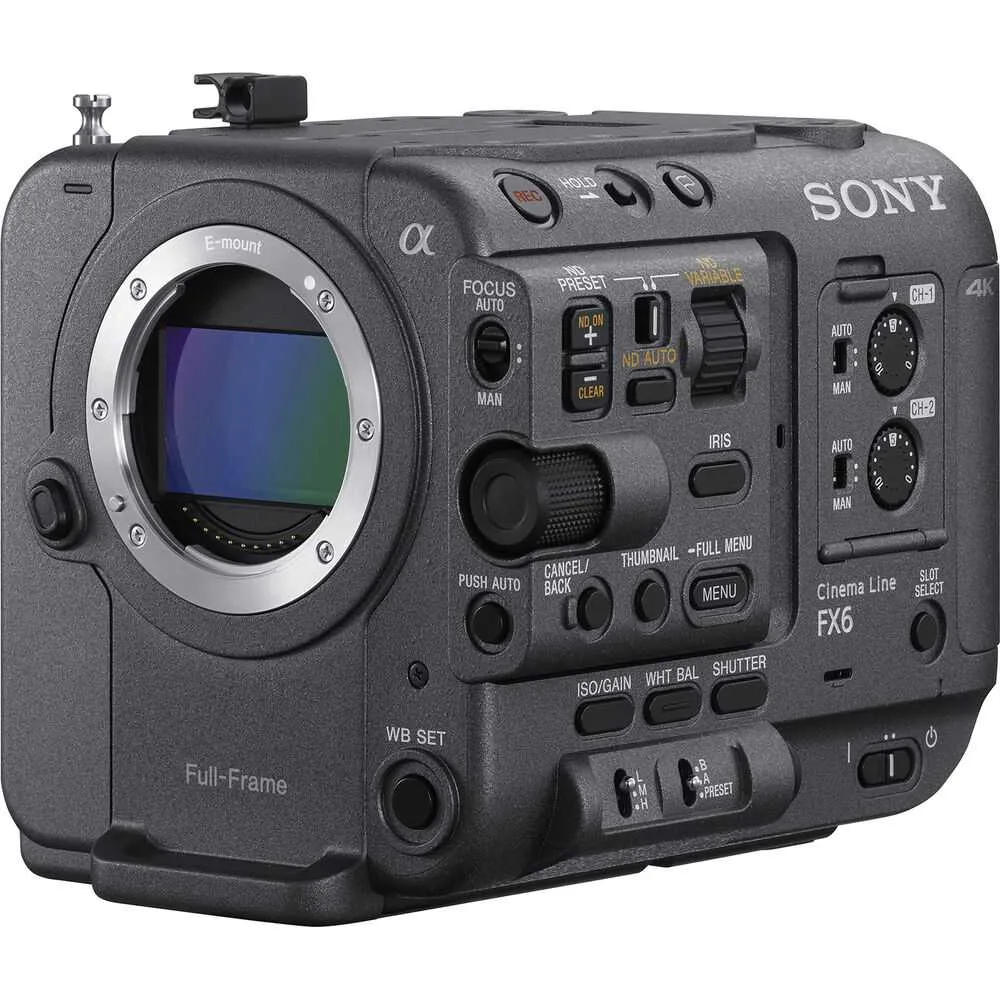
The FX6 Full-Frame Camera from Sony was developed to offer versatile, cine-style imaging in a truly compact form. With the ability to capture up to 15+ stops of dynamic range, Sony's S-Cinetone gamma for filmlike skin tones, and up to 10-bit, 4:2:2 XAVC-I recording, the FX6 is poised to both supplement your FX9 or VENICE capture.