Running local AI models on Microsoft’s Surface Laptop Ultra: What we found
Microsoft is positioning the new Surface Laptop Ultra as an alternative to Apple’s MacBook Pros for creatives and developers — and especially AI developers.
Built on Nvidia’s N1X-based RTX Spark platform, with a Blackwell RTX GPU with up to 6,144 cores, a CPU with up to 20 cores, up to 128GB of unified memory, and a price that undercuts Apple, it’s a tempting alternative if you want to run local AI models and also want to have a powerful machine for editing videos and gaming on the go.
This is The New Stack, so I’m leaving the gaming benchmarks and creator use cases to others. My focus in testing the unit was on running AI workloads.
I’ve been using the Surface Laptop Ultra in its high-end $4,300 GPU and CPU configuration with 64GB of RAM and a 1TB SSD for the last week, including while on the road.
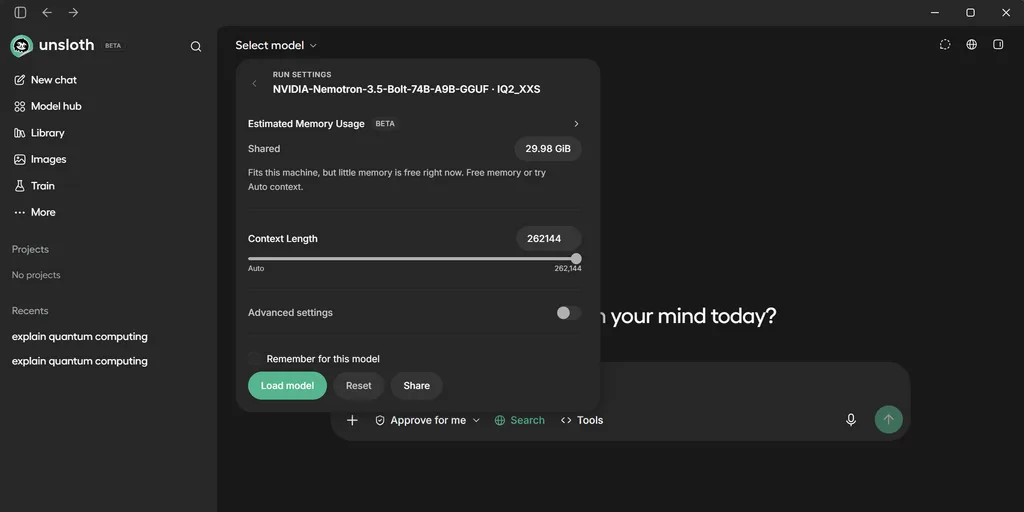
Typically, I use a Mac Studio with the M4 Max chip at home, which happily runs most local models I throw at it (as long as they fit into the 48 GB of RAM). I installed all the usual tools I use to run local models on the laptop. Think Unsloth Studio, Ollama, Hermes Agent, etc.
At no point did I feel like I was making a compromise in running those on the laptop. Indeed, if anything, the Blackwell GPU was generally a bit faster than my Mac Studio.
Fast local inference (with the right models)
Since the new Nemotron 3.5 Bolt model launched earlier this week, I also took that one for a spin. It answered queries at an impressive 56 to 60 tokens per second — and sometimes more. That makes it a great model for running in Hermes Agent or OpenCode, for example. It’s a heavily quantized model with 9B active parameters, so you would expect it to be fast, of course.
Yet, while the laptop has the unified memory to run it, the dense Qwen 3.8 27B at 8-bit quantization never achieved more than 8 or 9 tokens per second in Unsloth Studio. That’s not quite usable, but with these dense models, that’s virtually always due to memory bandwidth. But bringing it down to a 4-bit quantization brought the speed up to a respectable 25 to 28 tokens per second.
Using the 8-bit Gemma 4 26B-A4B shows how the mixture-of-experts technique is really what you need to run virtually any model locally at reasonable speeds. For this model, the Surface Laptop Ultra generally hit around 40 tokens per second.
I don’t have an M5-based MacBook or Mac Studio at hand, but Tom’s Hardware reports that the Ultra generally outperforms the M5 Max in a MacBook Pro in AI use cases.
Performance drops when you unplug
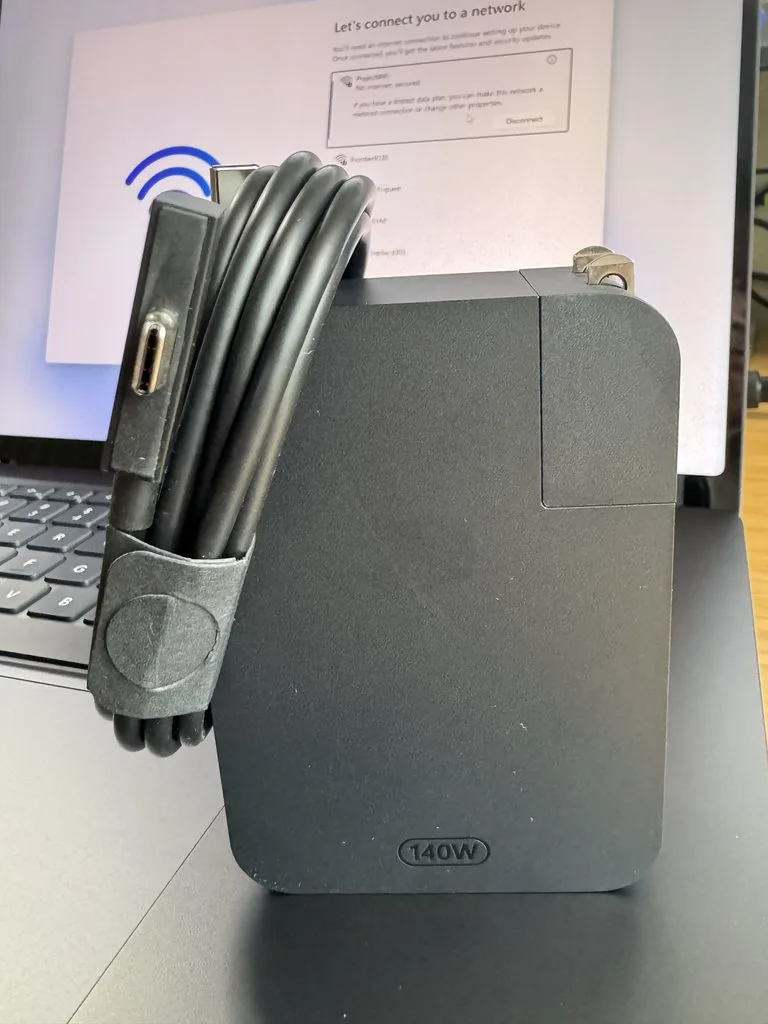
All of those previous numbers were with the laptop on its 140W charger. Microsoft says it tuned the system so that running on battery would still give users most of the full performance. Microsoft claims its benchmarks showed that the laptop retained 99.6% of its performance when running on battery, but at least for the AI workloads I tested, that drop was far more noticeable.
The 4-bit Qwen 3.8 model, for example, dropped from its 25-28 tokens per second to around 18 tokens per second on battery. For Nemotron 3.5 Bolt, the performance dropped to around 42 to 45 tokens per second. Overall, it seems fair to expect around a 20% to 25% loss in performance when on battery when running AI workloads (and games show a very similar drop).
I did not run any formal battery life tests. Microsoft says users can expect 12 hours of active web usage. If you are consistently running local AI workloads, though, I wouldn’t expect more than a few hours of battery life based on my observations.
The RAM questions
Having 64GB of RAM puts you in a bit of an odd situation given that most smaller models right now are in the 27B to 30B league. The extra RAM gives you plenty of headroom for the KV cache and other applications, but there aren’t a lot of models in the 32-48GB range, for example, that the machine could also handle.
Going for 128GB of RAM brings the price of the Surface Laptop Ultra to $5,900
The trade-off for all that power: heat and noise
Unsurprisingly, all of the compute power (Microsoft says you get up to 1 petaflop of FP4 AI performance) creates a bit of heat.
Nobody is going to argue that the Surface Laptop Ultra is whisper-quiet when you run AI applications. The noise its dual fans make isn’t extreme, but enough to get a bit on your nerves while you are working. That’s especially noticeable when Hermes or your favorite coding agent is chugging along for a while on a more complex query.
There is a reason the Surface RTX Spark Dev Box, which is built on top of the same N1X platform, has a thousand air vents, after all (which will also likely allow it to push its performance beyond the N1X in the laptop).
Outside of that, the laptop is very quiet, though, and the fans remain off for most day-to-day use cases. It also quiets down very fast once the GPU load drops again.
A few more observations
I would feel remiss if I didn’t highlight a few other things I found while testing the Ultra. This is, after all, Microsoft’s most ambitious laptop yet.
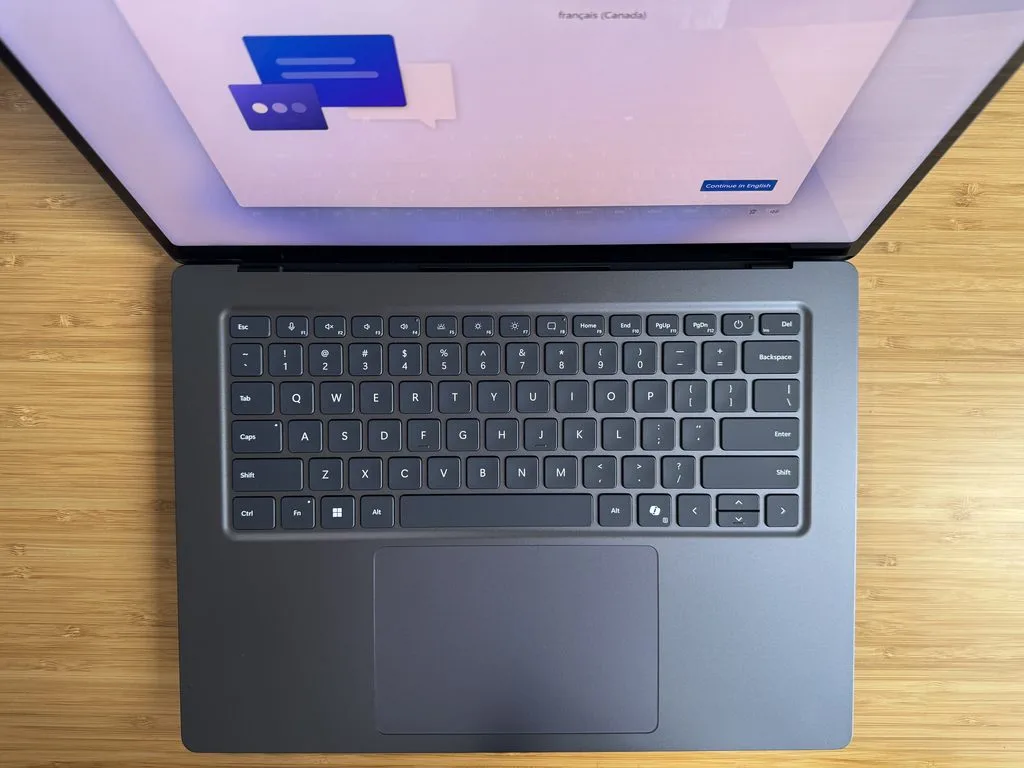
- The touchpad is huge and has haptic feedback. There are only a few applications that support it so far, including DaVinci Resolve, for example. Having that feedback makes editing faster, as you can feel when the playhead snaps into place, for example. I want more touchpads with that feature.
- Whatever Microsoft did with the speakers works wonders. There are side vents near the front of the laptop that create a surprisingly wide stereo field, something you will definitely notice in games.
- The new magnetic USB-C charging connector is nice. It feels a lot like the magnetic Connect on other Surface devices. I just worry I’ll lose the cable sooner rather than later.
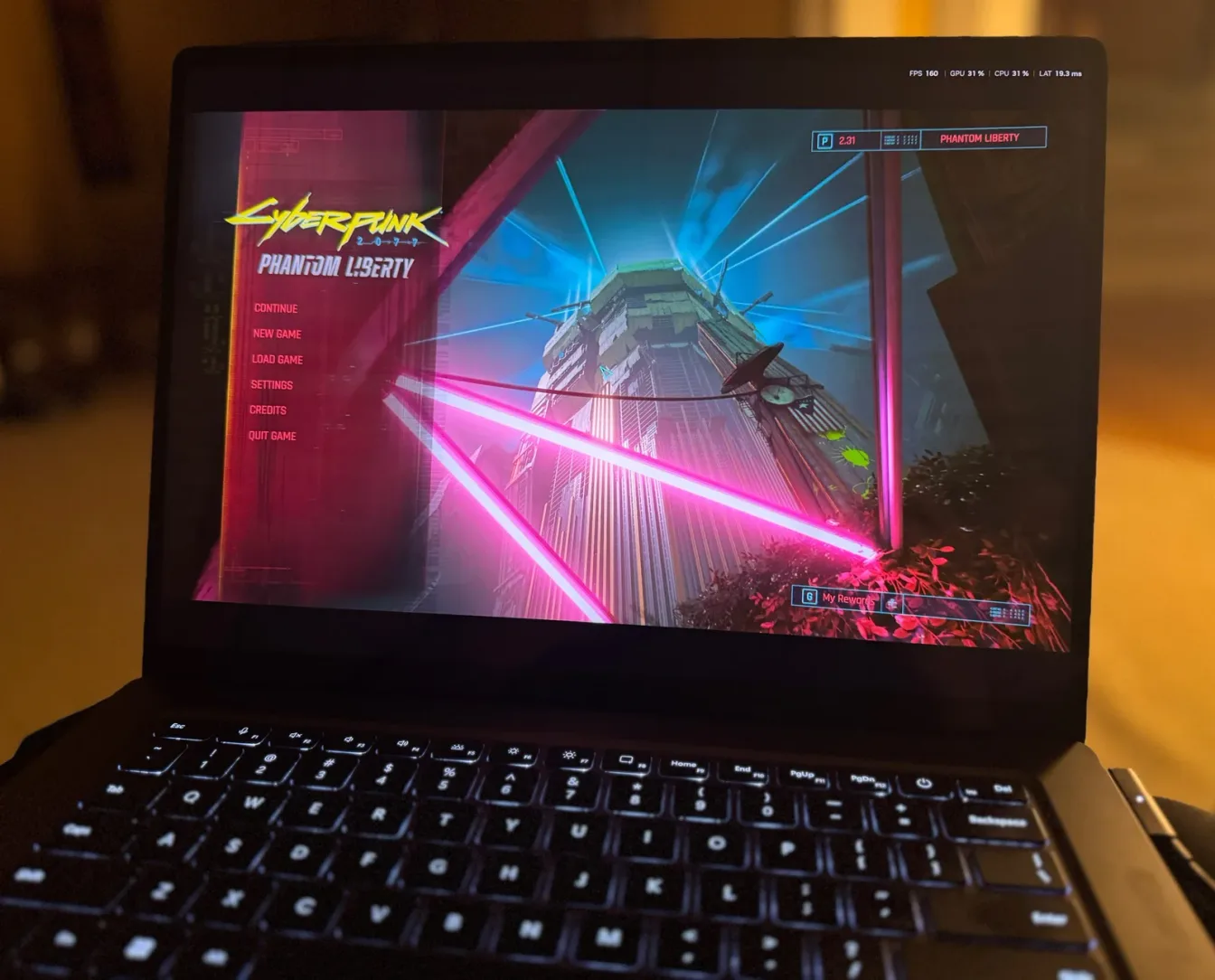
- Microsoft is not positioning this as a gaming PC, but with that GPU, people will try to play a few games, and so did I. Gaming on a Windows ARM machine is still in its early days, but thanks to Microsoft’s emulation, it generally works without too much overhead.
Games that rely more on the GPU than the CPU will fare better, but I was able to play Cyberpunk 2077 in 2K with ray tracing turned on at around 60fps. With frame generation and a few settings tweaks, even 4K gaming is an option. - With ray tracing off, the remaster of The Witcher 3 also happily ran at 60fps in 4K.
- But since the 15-inch, 3:2 touchscreen (3270×2180) is essentially a better 3K screen, you wouldn’t want to run a game in 4K anyway unless you plug in an external monitor.
- The screen looks great and can get very bright, but it is also highly reflective. That’s often distracting.
- Overall, Windows on ARM feels a lot more solid now than it did a year ago. Surely there are some applications and games that won’t run (or run well), but I haven’t come across any issues. Increasingly, developers (like OpenCode) offer Windows ARM64 versions of the desktop apps.
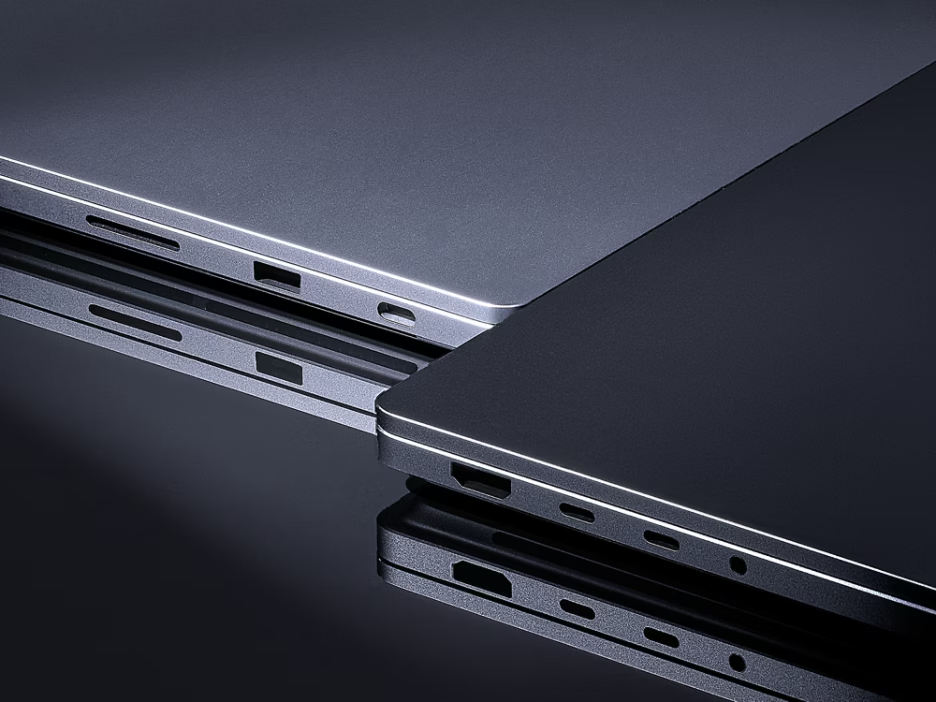
- Having two USB-C, one USB-A, and an HDMI port is such a joy if you have any older accessories. Add the headphone jack and SD card reader, and you don’t even need to carry a USB-C hub.
- I’ve gotten used to my MacBook Air. The Laptop Ultra is heavy at 4.41lbs (2kg).
- The SSD is replaceable. There are four screws underneath the laptop, and you don’t void your warrenty of you open the machine up. Apple should pay attention.