Nace AI Open-Sources Drex Max v1: A 27B Decision Model That Runs Locally on Apple Silicon
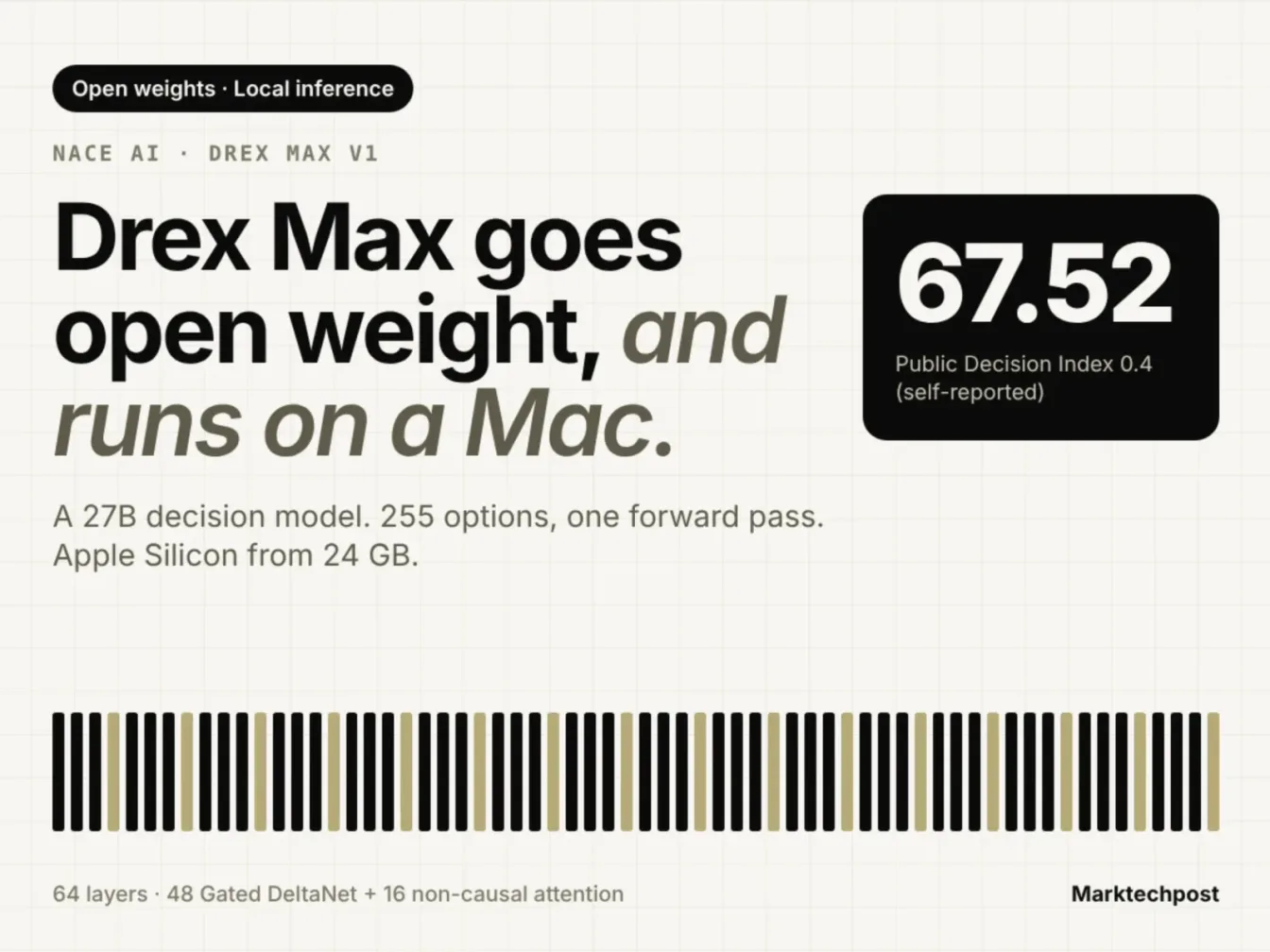
Nace AI has released Drex Max v1 as open weights. Drex Max is its most capable decision model, and it now runs on your own hardware. The release ships bf16 weights, a Q8_0 GGUF, an affine Q4 checkpoint and forks of llama.cpp and Ollama. For developers, Drex Max open weights mean routing, classification and policy checks can stay on a local machine.
TL;DR
- Size: Dense 27B parameters, 262,144-token window (16,384 by default), up to 255 options per question.
- Runs on: NVIDIA GPU with Python (H100 bf16, or L40S 48 GB in 8-bit). Apple Silicon Macs with 24 GB+ (affine Q4) or 48 GB (Q8_0 GGUF). CPU via llama.cpp and Ollama.
- Performance: 67.52 on the public Decision Index 0.4, 6.27 points ahead of Drex v2.0 (self-reported).
- Best: 97.3 skill on InfographicVQA. Tools area reaches 81.9. A top-tier decision model you can now run offline on a Mac.
What is Drex Max?
Drex Max is a decision model from Nace.AI that answers typed questions about a given context. You pass a state (text, JSON or images) plus named questions. The model returns a probability for every option in one forward pass. Nothing is generated.
Questions come in 3 types: choice among named options, yes/no, and an ordinal score. That makes it a fit for agent routing, ticket triage and guardrail checks. The hosted version is presented at routing, classification and policy checks.
How does Drex Max work?
The model card describes a dense 27B backbone with 64 layers. 48 are Gated DeltaNet linear-attention layers that run left to right. The other 16 are full-attention layers, placed every fourth layer, and they are non-causal. Every token can attend to the whole sequence.
Images pass through a native vision tower and are visible to every question in a request. A 255-way readout head then turns the last hidden state into option probabilities. The config lists a qwen3_5 model type with a 262,144-position window.
&&&How does Drex Max perform on benchmarks?
All figures below are self-reported by Nace AI,
- Decision Index 0.4 (public text): 67.52. Drex v2.0 scores 61.25 and Jev 1.13.0 scores 57.96.
- Area skill: Tools 81.9, Language 72.2, Retrieval 68.8, Knowledge and Reasoning 57.1, Arts 53.4.
- Public vision index: 73.92 across 11 benchmarks and 12,210 rows.
- Artificial Analysis Decision Index: 64, which Nace says ranks 4th of 18.
- JevBench: 92.2% (213/231). Decision Bench v4: 94.30% (1010/1071).
The results dataset covers 140,620 requests. Unanswered requests count as wrong.
How do you run Drex Max locally?
Nace documents 5 runtimes. All of them serve the same POST /v1/systemone API.
The affine Q4 checkpoint targets Macs with 24 GB or more. The Q8_0 GGUF needs 48 GB. On a 48 GB Mac, Nace recommends –context 2048 for Kapitsa.
Ollama users set num_gpu 40 to offload 40 layers to Metal. Setting num_gpu 0 runs it on the CPU. The Ollama fork needs a CAPABILITY decision line in the Modelfile.
Quantization holds up in Nace’s tests. On a 48 GB Apple M5 Pro, the Q8_0 GGUF matched H100 bf16 within 0.02 per probability. The affine Q4 stayed within 0.0329 of Q8_0, with no choice flips.
Drex Max vs other decision models
Nace AI team states that Decision Index 0.4 uses the same public suite as 0.3.1.
Key Takeaways
- Drex Max v1 weights are now public under Nace.AI Open RAIL-M.
- It scores 67.52 on Decision Index 0.4, above Drex v2.0 (61.25).
- A 4-bit build runs on 24 GB Apple Silicon Macs via Kapitsa or MLX.
- Q8_0 on an M5 Pro matched H100 bf16 within 0.02.
- Local Mac and CPU paths are text only for now.
Check out the model weights, Q8_0 GGUF, code and docs, Tweet and cloud console.
Thanks to the Nace AI team for the thought leadership / resources for this article. This article is sponsored by Nace AI.