Meta Launches Muse Wonder and Muse Wonder Full: Benchmarks, Pricing and How to Use It
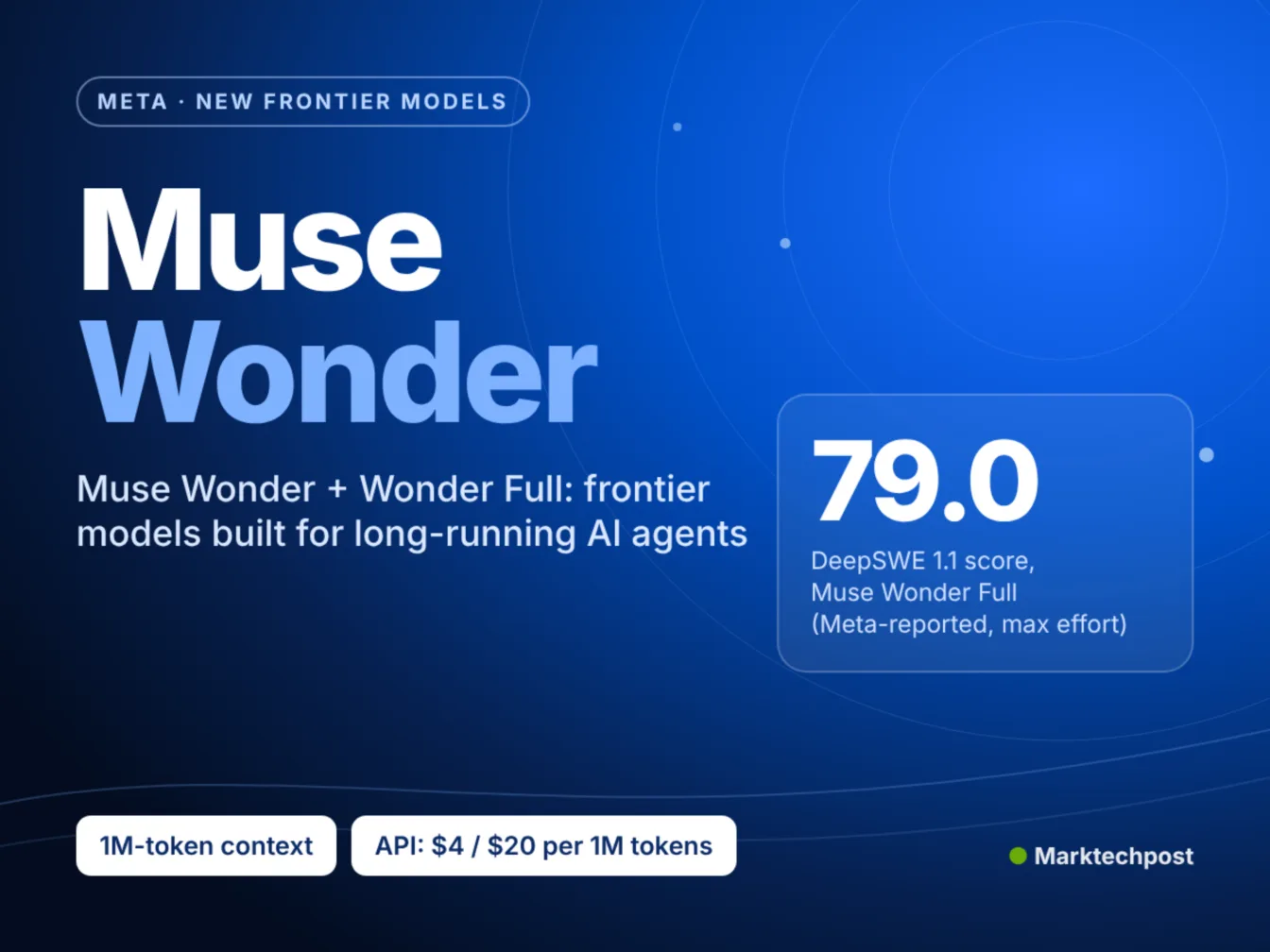
Meta has released Muse Wonder and Muse Wonder Full, its most capable models so far. Muse Wonder is a frontier model from Meta built for personal and professional AI agents. Both models target long-running agent work: coding, legal and finance tasks, and computer use. Muse Wonder is live now on the Meta Model API and Muse Code. Muse Wonder Full is limited to paid Muse Code plans.
TL;DR
- Size: 1M-token context, input of text, image, video and audio, output of text.
- Runs on: Meta’s cloud only, via the API or Muse Code CLI (macOS, Linux, Windows).
- Performance: Muse Wonder Full leads 6 of 14 rows in Meta’s benchmark table. It trails Claude Opus 5.5 on several.
- Best: Muse Wonder scores 85.6 on MemoryBench, the top result among all 5 models listed.
- Worst: Muse Wonder scores 50.0 on ProgramBench, against 70.5 for Claude Opus 5.5.
What is Muse Wonder?
Muse Wonder follows Muse Spark on Meta’s scaling ladder. Meta team states that it was trained at its Prometheus data center, with gains across pretraining and reinforcement learning. Meta credits a larger base model for better results on unfamiliar tasks.
Two named behaviors define the release:
- Active Memory: carries user context across conversations and pulls back the details a task needs.
- Active Focus: keeps working on hard tasks, tries alternatives, and checks in before important actions.
For developers, Muse Wonder plans long tasks and delegates to sub-agents. It also operates browsers, desktop and mobile apps.
How does Muse Wonder perform on benchmarks?
All scores below come from Meta’s published table at max reasoning effort. Several rows use third-party sources such as Artificial Analysis, Vals AI and Datacurve.
Note: PSI, MemoryBench and FocusBench are internal Meta evaluations. The model card says competitor runs are best-effort and may not be tuned. SWE-Marathon results for rivals used Codex and Claude Code, so it is not a common-harness comparison.
&&Muse Wonder vs Claude Opus 5.5, Claude Fable 5.1 and GPT-6 Astra
How to use Muse Wonder: step-by-step for new users
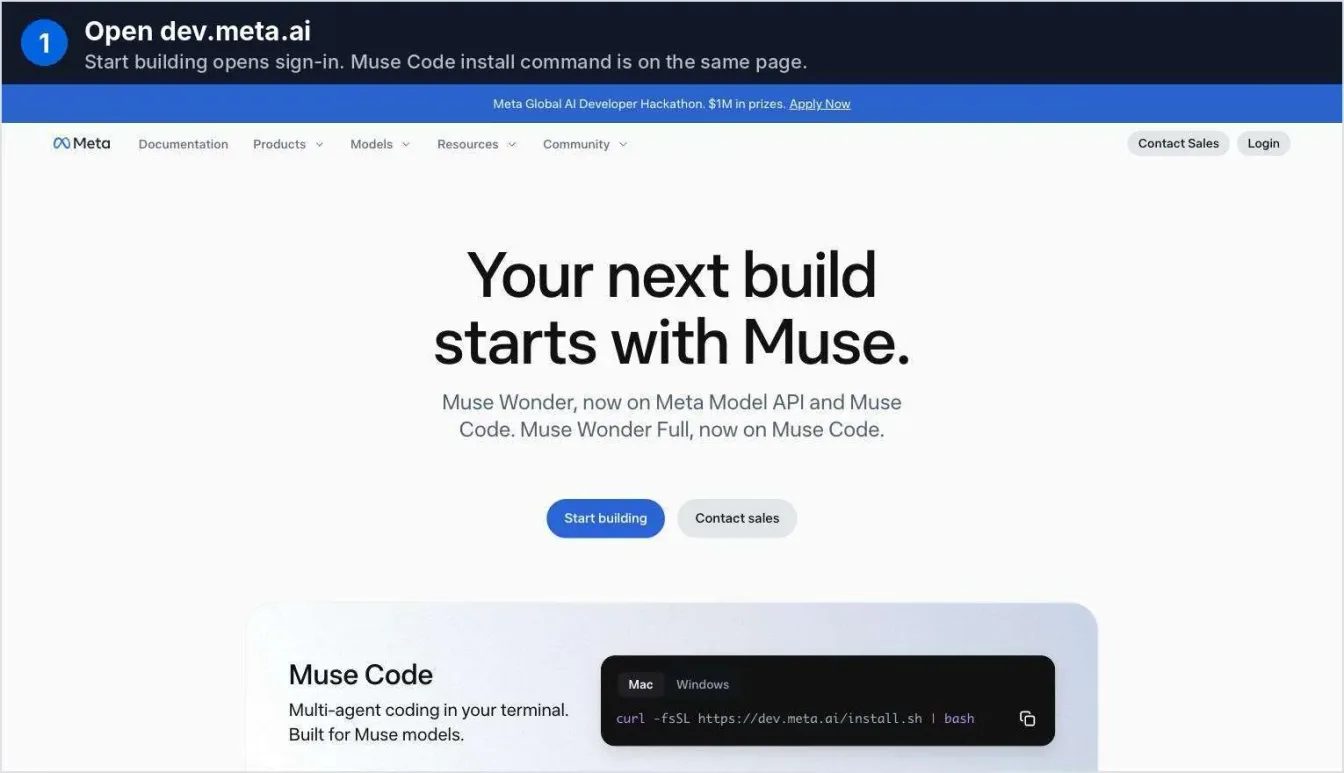
Step 1: Open dev.meta.ai. Click Start building to sign in. The Muse Code install command sits on the same page.
Step 2: Pick your model. Muse Wonder costs $4 input, $0.20 cached and $20 output per million tokens. Muse Wonder Full needs a Muse Code plan: Power at $50 or Maximum at $200 per month.
Step 3: Sign in with your Meta account. Confirm your name, accept the Model API terms, and click Get started.
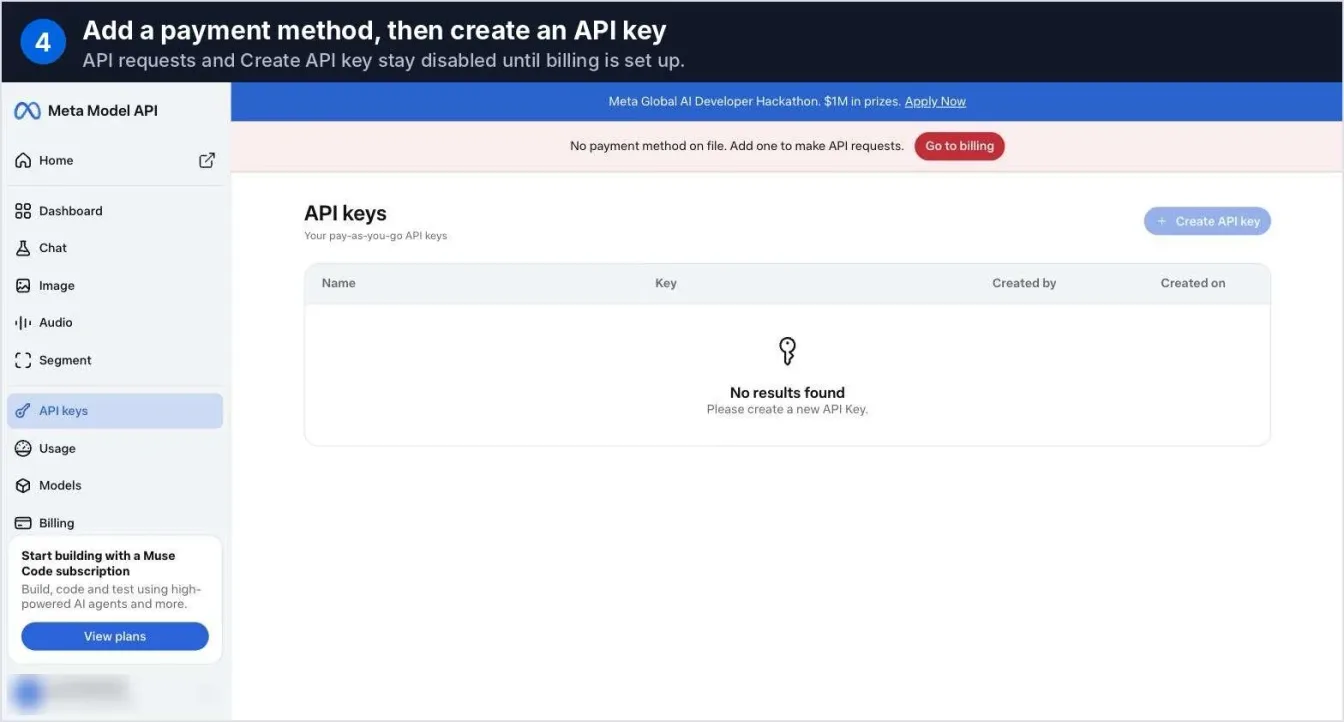
Step 4. Add billing, then create an API key. New accounts see a “No payment method” banner, and Create API key stays disabled. Add a card under Billing, then open API keys and select Create API key. Export it as MODEL_API_KEY, per the quickstart.
Step 5. Test it in the Playground. Open Chat, pick muse-wonder-1.0, and set temperature, max tokens and reasoning effort.
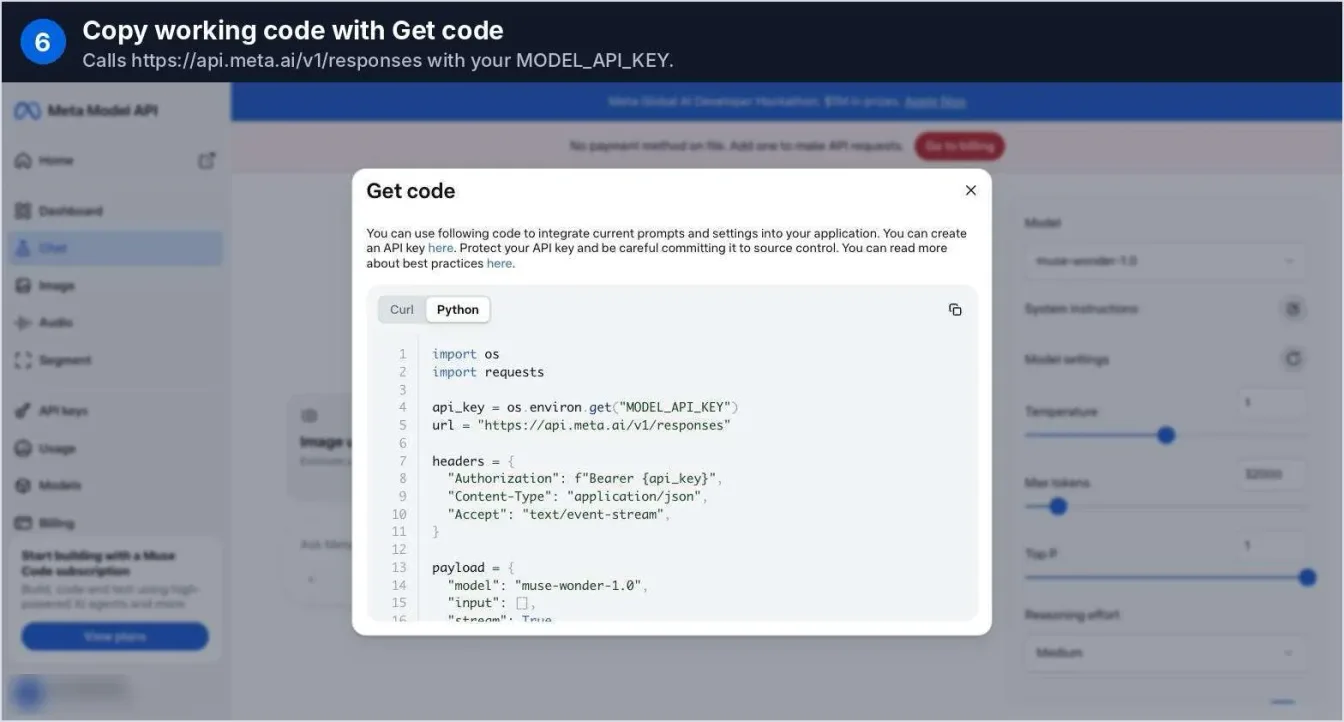
Step 6. Copy working code. Click Get code for a curl or Python snippet. It calls the Responses endpoint at https://api.meta.ai/v1/responses.
The API is OpenAI-compatible, so the OpenAI SDK works with a new base URL:
Copy CodeCopiedUse a different Browserimport os
from openai import OpenAI client = OpenAI(base_url="https://api.meta.ai/v1", api_key=os.environ["MODEL_API_KEY"])
resp = client.responses.create(model="muse-wonder-1.0", input="List 3 risks in this lease clause: ...")
print(resp.output_text)
Step 7: Or use Muse Code in your terminal. On Mac, install with curl -fsSL https://dev.meta.ai/install.sh | bash. On Windows, use irm https://dev.meta.ai/install.ps1 | iex. Run muse in your project folder, trust the workspace, and sign in. The default model is muse-spark-1.2. Switch with /models, or launch with muse --model muse-wonder-1.0.
Key Takeaways
- Muse Wonder ships at $4/$20 per million tokens with 1M context.
- Muse Wonder Full leads DeepSWE (79.0) and SWE-Marathon (57.5).
- Claude Opus 5.5 still leads ProgramBench, OSWorld and Terminal-Bench.
- Wonder Full is Muse Code only, from $50 per month.
- No parameters, open weights or full safety report yet.
Check out the research blog, model card and developer docs. All credit goes to the researcher of this project. Also, feel free to follow us on Twitter and don’t forget to join our 150k+ML SubReddit and Subscribe to our Newsletter. Wait! are you on telegram? now you can join us on telegram as well.